

You know the routine. You open a job board, find something that looks close, rewrite your resume a little, hit apply, and never hear back. Then you do it again. And again. After fifty applications you start wondering if anyone is reading them at all.
I've spent years on the other side of that inbox. As a recruiter, I can tell you the hard truth: most applications don't get a reply because the person wasn't a strong fit for that specific job, not because they weren't good. They just had no way of knowing before they applied.
That's why we built Brinko AI, and today it's live.
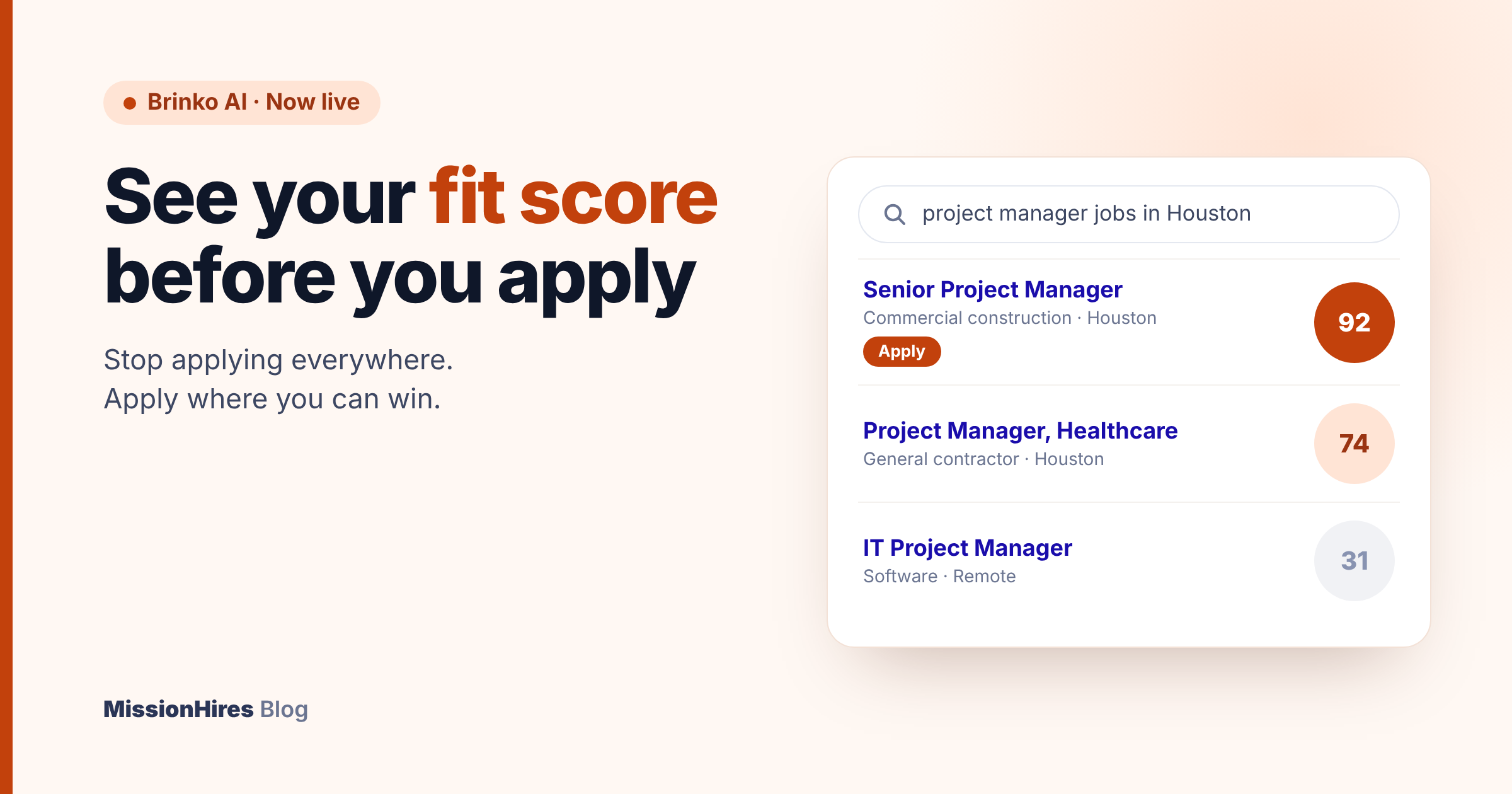
Brinko AI is a Chrome extension that tells you how well you fit a job before you apply. You spend your time on the jobs you can actually win, and you stop sending applications into the void.
How it works
Setup is quick, and you don't need to change how you search.
- Add your resume or LinkedIn profile. Upload your resume or point Brinko AI to your profile. That's what every job gets compared against.
- Type the job you want. "Project manager in Houston", "remote customer success", "electrician near me". Whatever you'd normally search.
- See your fit score on every result. Search on Google and each job shows a fit score next to it. Open the scorecard to see where you match and where you fall short.
- Apply to the ones worth it. Hit the Apply button right on Google. Every job you apply to is saved in your Brinko dashboard, so you always know where you stand.
No new job board to learn. You search where you already search, with one extra piece of information that changes everything.
Why a fit score changes how you apply
Most job seekers decide where to apply based on the title and a quick skim. Recruiters decide who to call based on the details: years of experience, specific skills, certifications, the industry you've worked in.
The fit score closes that gap. It compares your background to what the job actually asks for, so you can see:
- Where you're a strong match. Apply now, and lead with those strengths.
- Where you're close. One or two gaps you can address in your resume or cover letter.
- Where it's a long shot. Save your energy for better matches.
The result is fewer applications that each have a better chance. In my experience, five well-matched applications beat fifty random ones almost every time.
Plans and pricing
We kept it simple and cheap. No monthly subscriptions: you pay once a year, or once forever.
Prices adjust automatically for your region, so what you see at checkout may be lower depending on where you live. Auto-apply works on jobs you find through Google.
Try it today
If you're tired of applying and hearing nothing, give Brinko AI one search. Add your resume, type the job you want, and see which ones you're actually a fit for.
Add Brinko AI to Chrome, it's free
Frequently asked questions
What is Brinko AI?
Brinko AI is a Chrome extension for job seekers. You add your resume or LinkedIn profile, search for the job you want, and it shows a fit score on every result so you know how well you match before you apply.
Is Brinko AI free?
Yes, the Explore plan is free and includes 50 fit scores and 5 auto-applies. Paid plans start at $9.99 a year, with lifetime options from $19.99.
Where does Brinko AI work?
Fit scores and the Apply button work on Google job results. Brinko AI can also score jobs you find on LinkedIn and Indeed, shown inside the extension.
Does auto-apply send applications to every job?
No. You choose which jobs to apply to. The fit score is there so you spend your applications on the jobs where you have a real chance.
Where can I see the jobs I've applied to?
Every application is saved in your Brinko AI dashboard on the web, with the job and the date you applied.